YOUR NEXT HIRE STARTS HERE.

Prepare an employment offer letter

Draft an employment offer with the role, approved pay and start date. Choose a letter design and check signatures and wording in the PDF preview.

Choose from four professional designs.

PDF download · Preview free · Pay when ready to download

4 thoughtful designsPreview before checkoutPDF download
CHOOSE YOUR LETTER STYLE4 designs available
CURRENTLY SELECTEDEssentialNavy · Open Sans

Switch designs anytime—your details stay saved.

STEP 1 OF 5

Let’s introduce your company.

Start with your company details and the person making the offer.

Branding & additional detailsCompany logo, contact details, signature and footer

PNG or JPG · Up to 1 MB. Extra white or transparent margins are fitted automatically; your original image is kept.

Only appears in the letter if provided.

The candidate’s signature line is always left blank.

Your progress stays in this browser tab.
Need help?
GUIDES, DESIGNS & ANSWERS

Learn more before you begin.

Explore the designs, see how the tool works and find answers to common questions about your offer letter.

Back to the form
A LOOK AT THE FINISHED LETTER

See what your next offer could look like.

From a traditional letter to a structured offer, choose a design that fits your company.

  • Four distinct letter designs
  • Your logo, wording and signature
  • Colors and fonts you can personalize
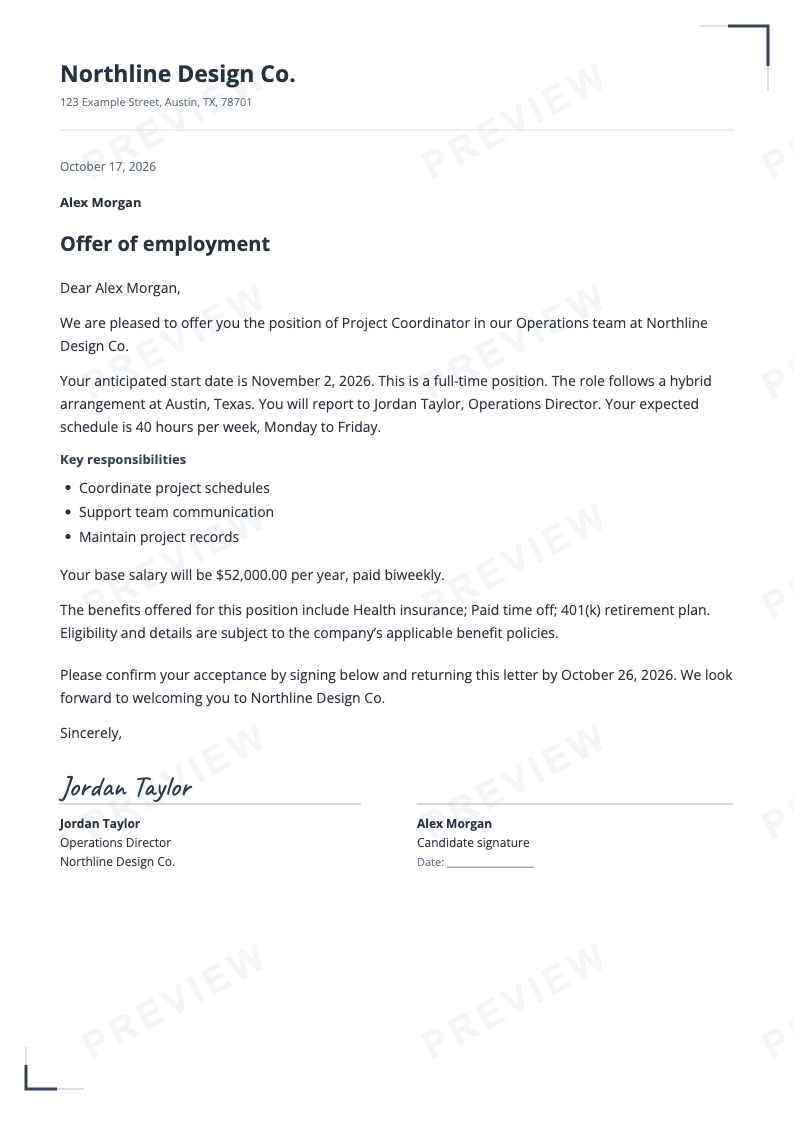
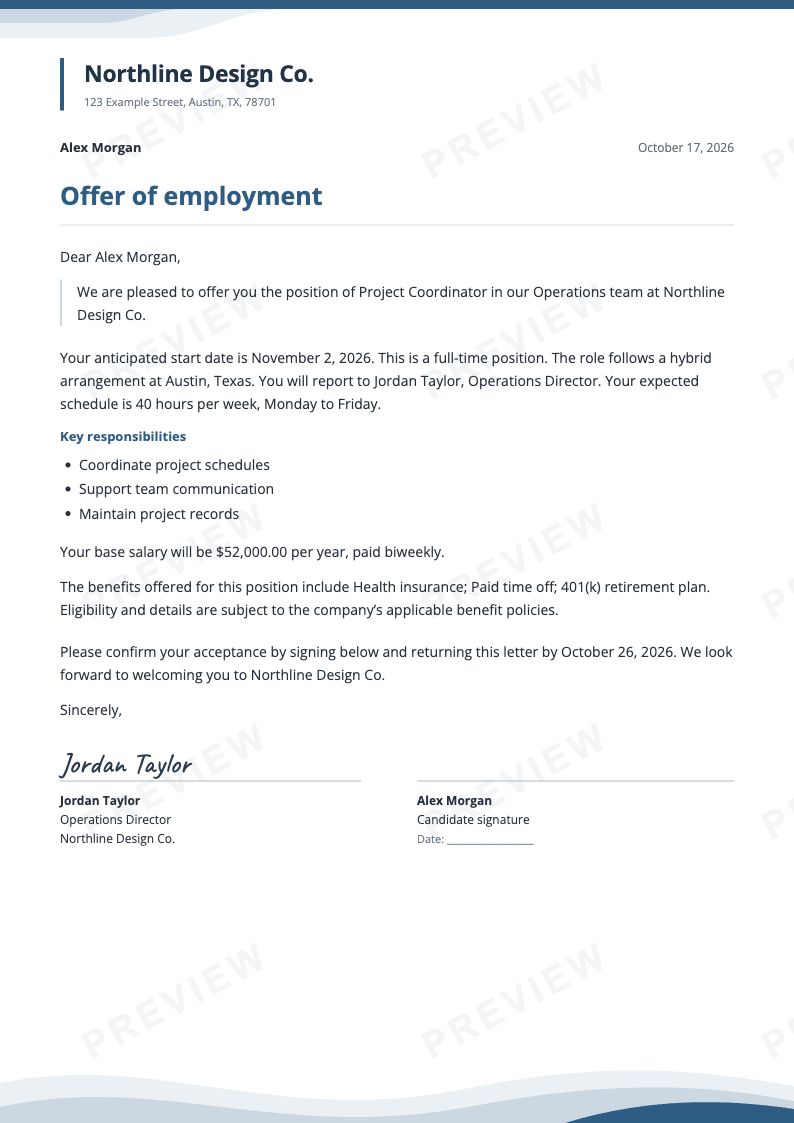
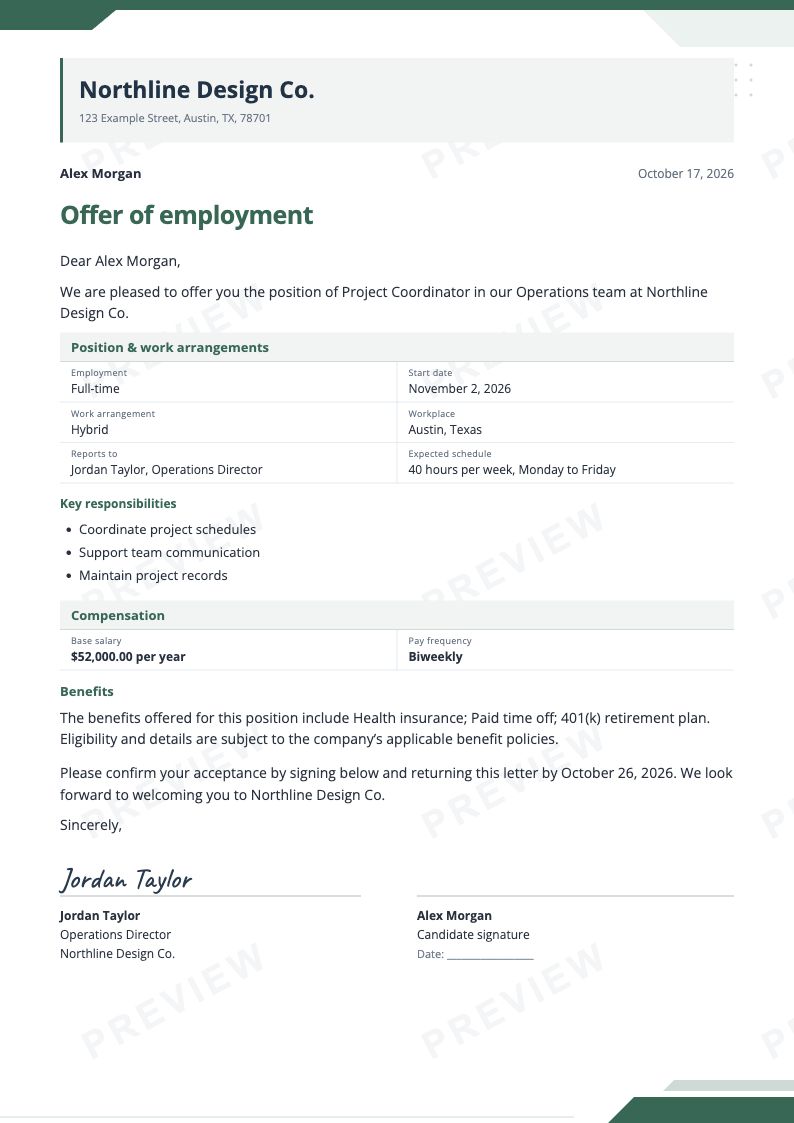
Essential offer letter with traditional paragraphs, using fictional sample details.Letterhead offer letter with coordinated blue artwork, using fictional sample details.Modern offer letter in forest green with structured role and compensation summaries, using fictional sample details.
Fictional sample letters · Your details appear in your own letter.
FROM DETAILS TO A FINISHED LETTER

A thoughtful offer, in three simple steps.

Start with the essentials. Make it feel like your company. Review every detail.

Actual product screenshots · Fictional example details
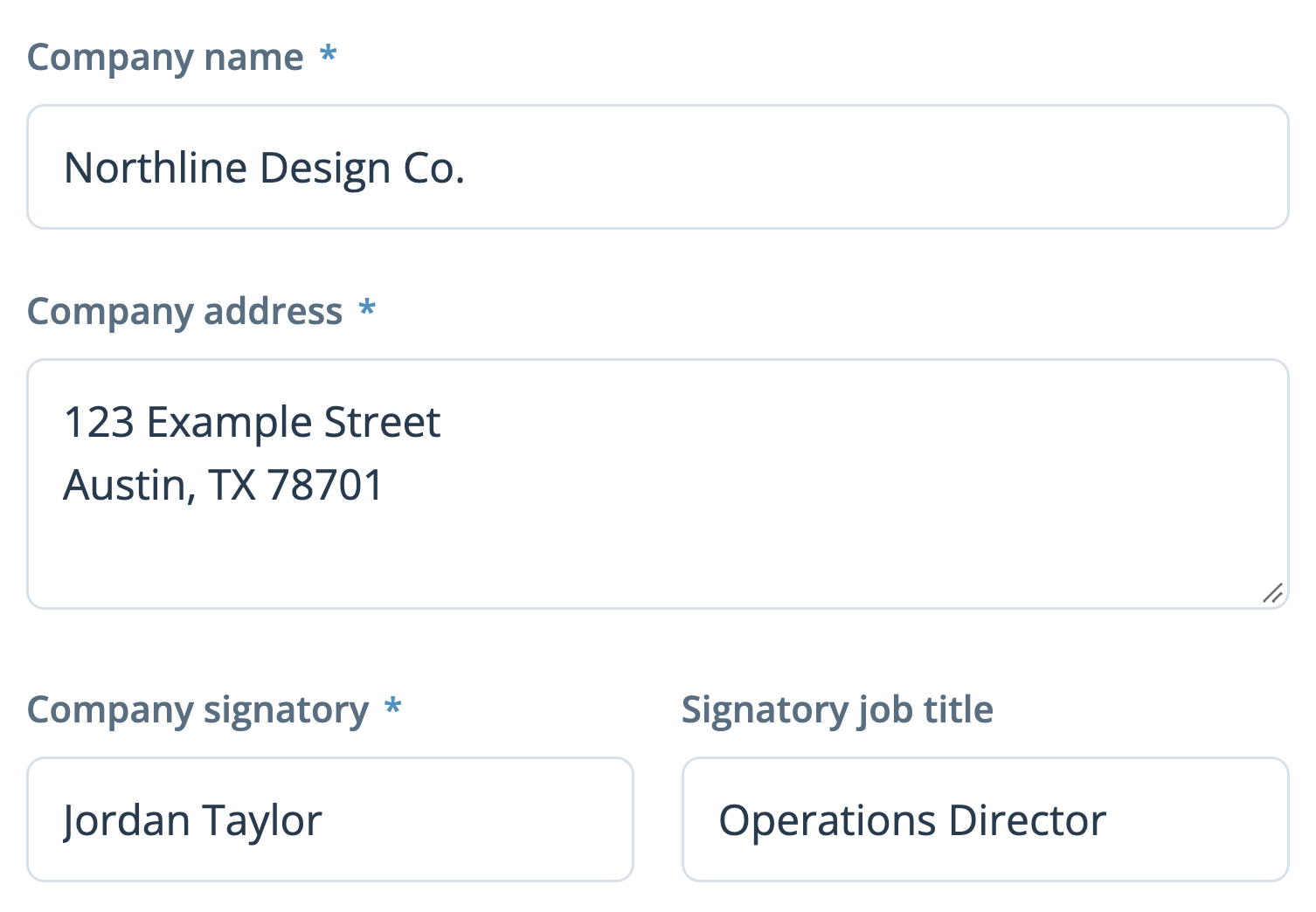
  1. Company details filled in with the fictional company Northline Design Co.
    01

    Enter the details

    Introduce your company and candidate, then describe the position, start date and compensation.

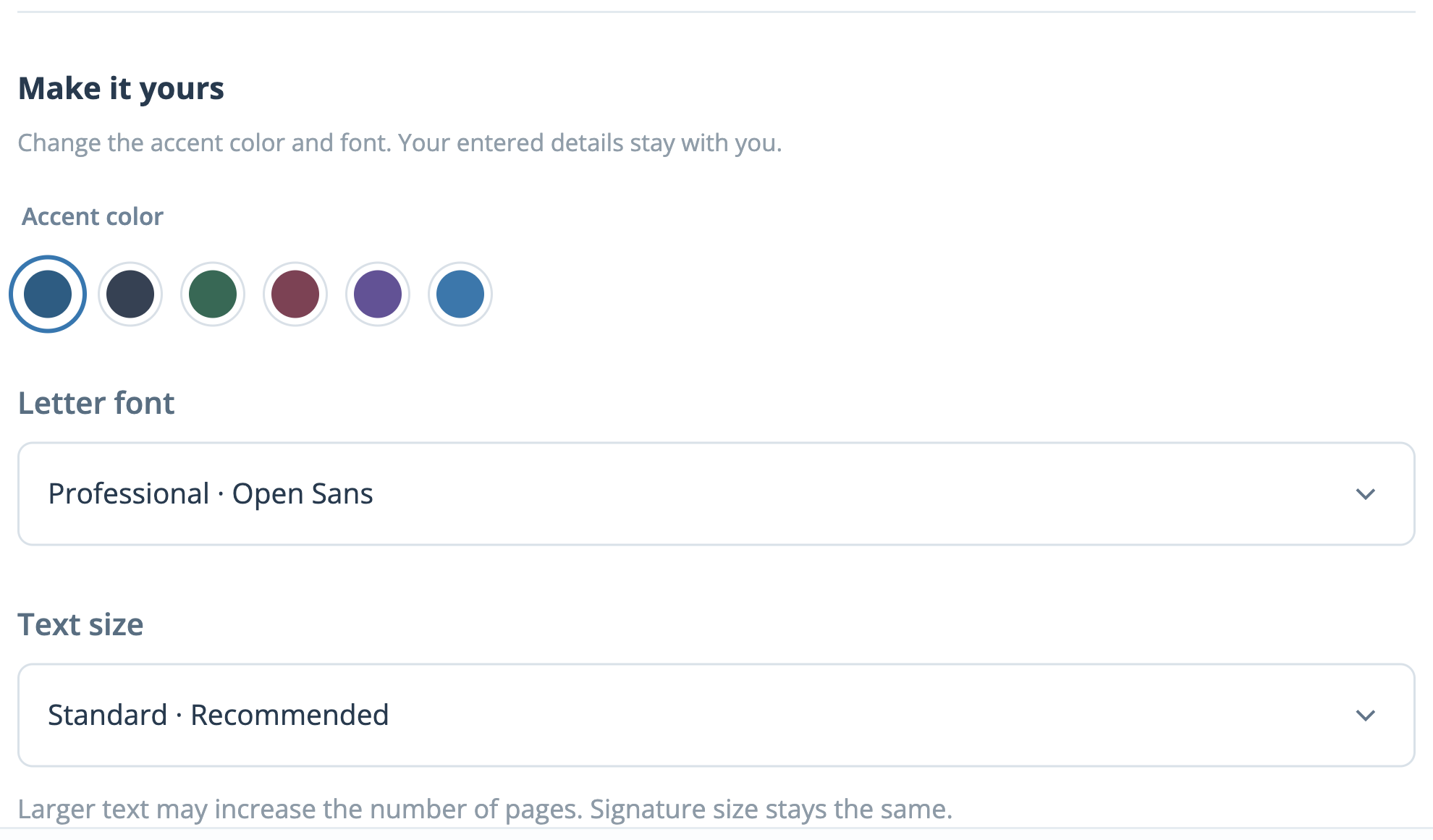
  2. Real appearance controls showing accent colors and the text-size selection.
    02

    Make it yours

    Choose a design, add your branding and adjust the wording to suit the offer you want to make.

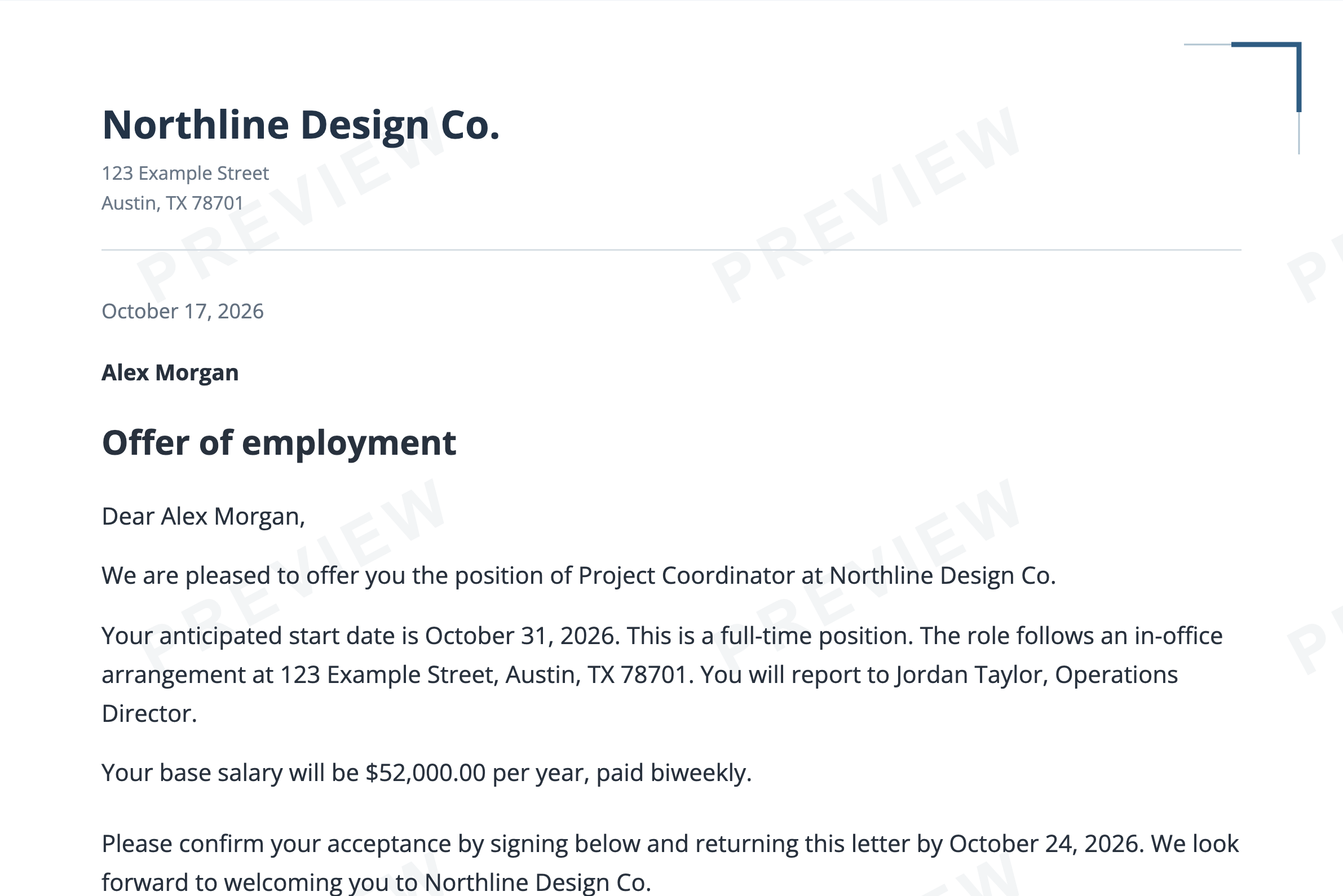
  3. The enlarged offer-letter preview with the PREVIEW watermark.
    03

    Review your letter

    Check the details and PDF preview before checkout. Your completed letter is available as a PDF.

THE DETAILS THAT MAKE IT YOURS

More than a name on a template.

Keep it simple, or add the details your next hire needs.

Your company identity

Add a logo, company contact details and an optional footer that repeats on every PDF page.
Four distinct designs

Choose Essential, Modern, Executive or Letterhead, then personalize the color, font and text size.

Flexible offer details

Describe hourly or salaried pay, payment frequency, work arrangements and the expected schedule.

Your own wording

Start with suggested paragraphs or edit individual sections to reflect your company’s offer.

Signature options

Use a blank line, a styled typed name, or a drawn or uploaded company signature.

Review before you finish

Check the letter on screen and open a PDF preview. Save a private link if you need more time.

A LITTLE CLARITY GOES A LONG WAY

Good to know before you begin.

Quick answers about creating, customizing and reviewing your offer letter.

Can I change the template after entering my details?

Yes. Switch between Essential, Modern, Executive and Letterhead without re-entering your details. Your custom wording stays with the letter.

Can I edit the wording?

Yes. In Review, open Customize the wording to edit the introduction, work arrangements, compensation, benefits, additional terms or closing. Review edited sections again if you later change the job details.

Can I preview the PDF before checkout?

Yes. Complete the required company, candidate and offer fields, then choose Open PDF preview. The preview is watermarked; the completed PDF has no PREVIEW watermark.

Is the candidate emailed automatically?

No. The candidate’s email is for your records and is not printed in the letter. The delivery email entered at checkout is separate. You decide how to share the finished letter with your candidate.

Can I save a letter and finish it later?

Yes. Progress stays in the current browser tab. Use Save for later to copy a private link that works for 30 days. Keep that link private: anyone with it can edit the unfinished letter.

Can I change a completed letter?

You can edit as often as needed before completing the order. Completed letters are locked in the customer form. Contact support about a correction; keep your order reference so the team can find your letter.

THE SAME OFFER. A DIFFERENT IMPRESSION.

Find your company’s style.

Every design includes your details and custom wording.

Make it yours

Change the accent color and font. Your entered details stay with you.

Accent color

Larger text may increase the number of pages. Signature size stays the same.

ESSENTIAL DESIGN

Your letter, in detail.

Preview before completing your order.

PICK UP WHERE YOU LEFT OFF.

Your letter can wait.

Copy your private link to continue on another device. Your draft will be available for 30 days.

Keep this link private. Anyone with it can edit your unfinished letter.

COMPANY SIGNATORY

Draw your signature.

Use your mouse or finger in the space below.

Start a fresh letter?

Your current browser draft will be cleared. Copied Save for Later links will still work.