Start with your details
Identify the company and worker, then enter the earnings and deduction information supported by your records. You can prepare one period or a series, with each date and amount reviewed individually.

Create a pay stub in a guided worksheet. Choose a statement layout, check current and year-to-date amounts, then save the finished PDF.
Choose a template to see its price.
Preview free · Pay when ready to download
Switch templates anytime—your details stay saved.
Compare nine presentation choices for employee or contractor statements. Use the preview to check the layout and entries before buying the PDF.
The guided worksheet brings payroll information into a statement in three stages: enter, inspect and save the completed documents.
Identify the company and worker, then enter the earnings and deduction information supported by your records. You can prepare one period or a series, with each date and amount reviewed individually.
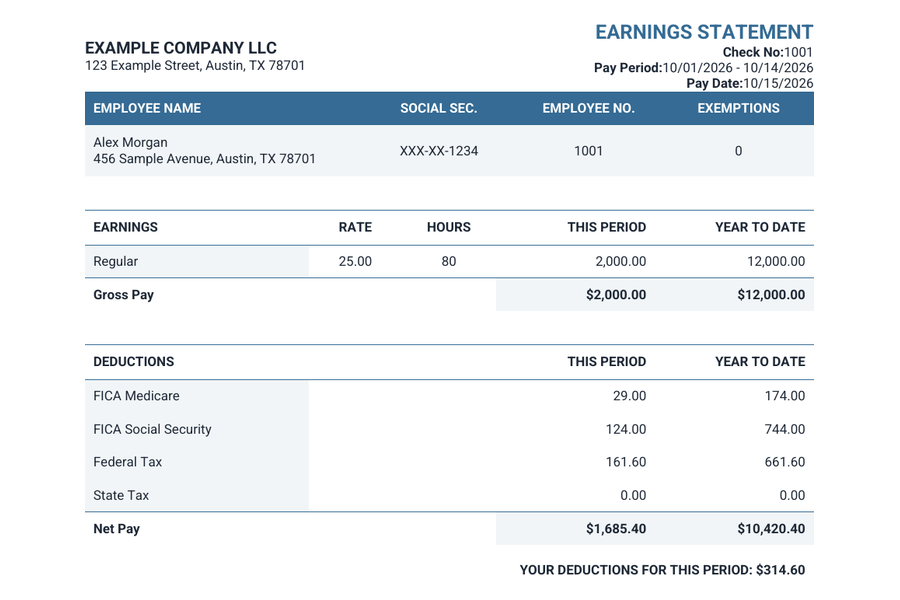
Compare the nine designs and their type and color choices, using the preview to inspect the actual result.
After the purchase is confirmed, download the files and keep the emailed copies with your records.
The design picker includes Regular, Modern, Classic, Compact, Simple, Bank Style, Axis, Meridian and Apex. The layouts differ in the optional fields shown. Inspect the preview and design comparison to choose one that fits the record.
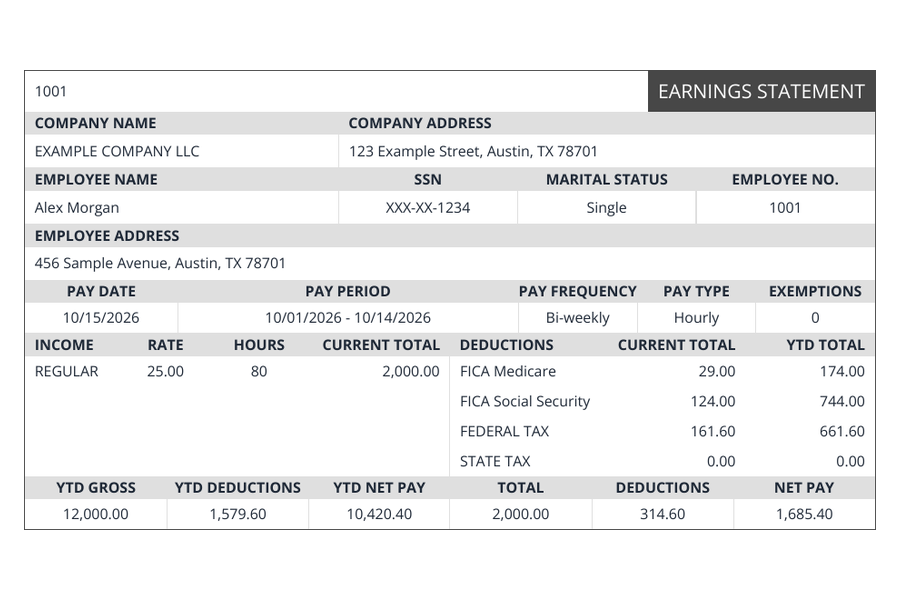
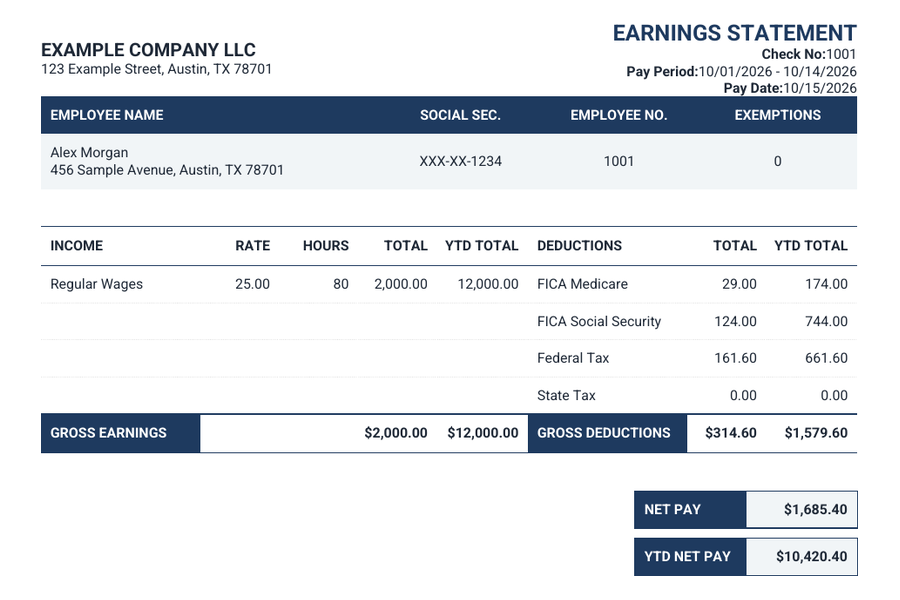
Answers to the questions that come up most often.
The statement preview responds to your entries. Enlarge it to inspect the pay periods and any deposit slips, and check it again after a design change.
Changing a design retains your entries. Check the picker’s field notes because not every layout displays every optional detail.
This browser session retains progress. For another visit, use Save for later at checkout and store its private return link with the displayed expiry date.
Payment confirmation opens the completed-order downloads and sends documents to the checkout delivery address. Check that address before paying and retain the files for your records.
The review preview is free. Your selected design, period count and optional slips determine the charge. Compare current prices and inspect the final checkout total before purchase.
Gather the employer and worker records, pay dates, period boundaries, pay basis, actual hours, deductions and prior cumulative totals before starting. These records are the basis for the statement you prepare.
Pay Stub Maker is our paystub generator with a step-by-step form, nine layouts and appearance choices. Choose the Regular check stub maker for a simpler worksheet for hourly or salary pay, or the Enhanced pay stub maker for separate additional-earnings rows. Each tool prepares a document from the records you enter; it does not issue a paycheck or retrieve employer payroll records.