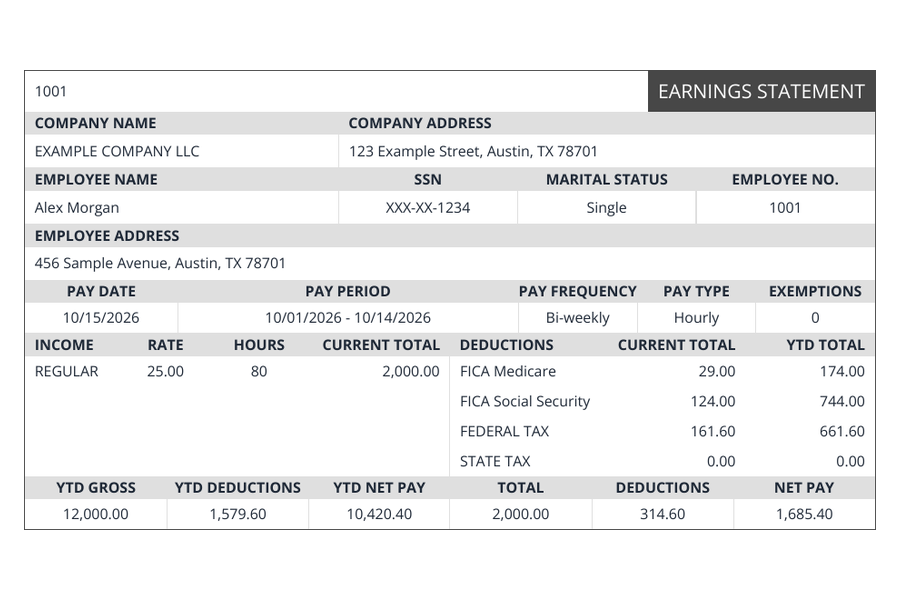
Regular
The familiar earnings statement.
Company logo, phone number and EIN are not displayed.
— / pay stub
Use Regular
Compare nine earnings statement layouts, see current prices and check which formats make room for the details you want to show.
Create your pay stubEvery template uses the same calculation engine. Choose by layout and the optional details you want to display. Prices below are per pay stub, before any eligible coupon. If you only need an estimate, our free state paycheck calculators are free to use without purchasing a document.
Loading current prices…
The familiar earnings statement.
Company logo, phone number and EIN are not displayed.
— / pay stub
Use Regular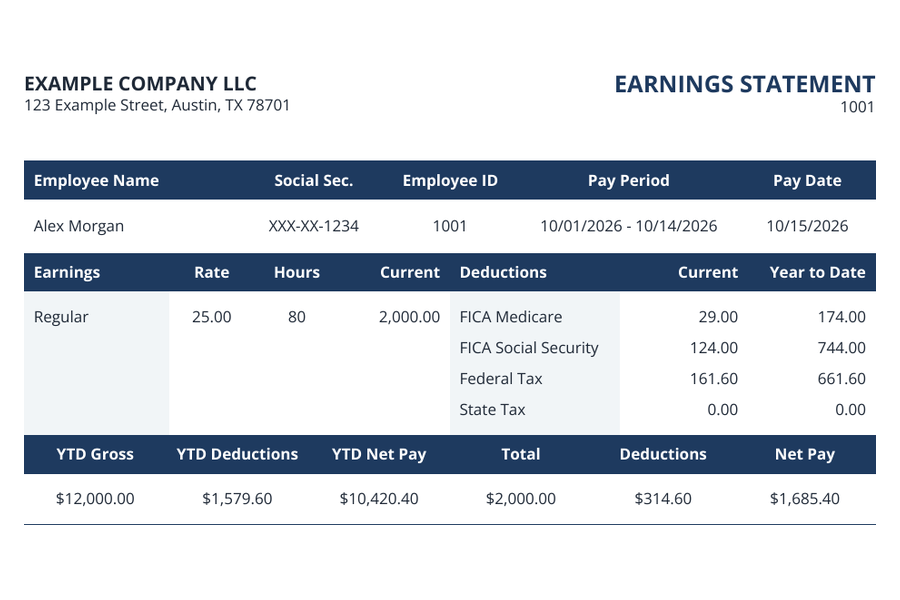
All the essentials, neatly arranged.
Supports your company logo. Employee address and marital status are not displayed.
— / pay stub
Use Compact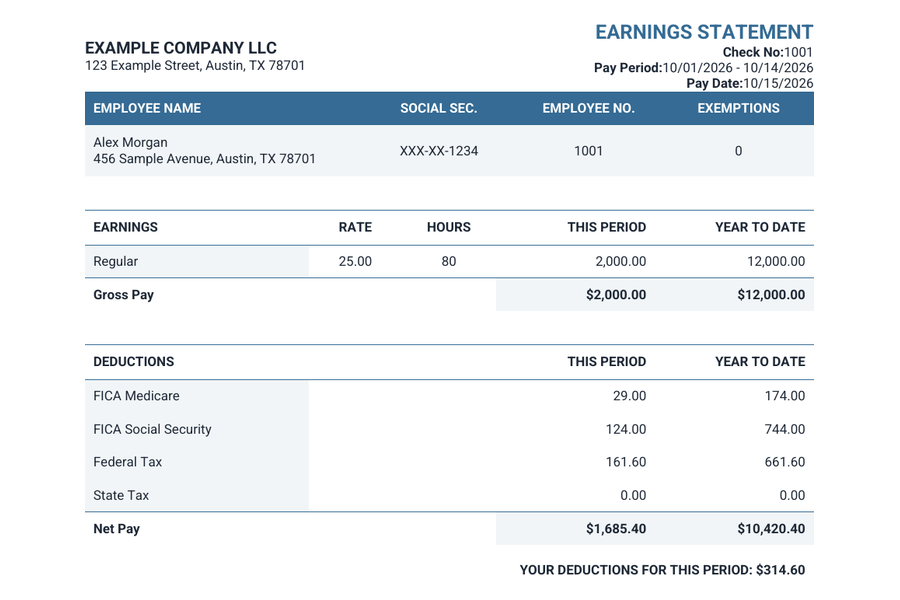
A clean, vertically stacked layout.
Supports your company logo and employee address. Marital status is not displayed.
— / pay stub
Use Modern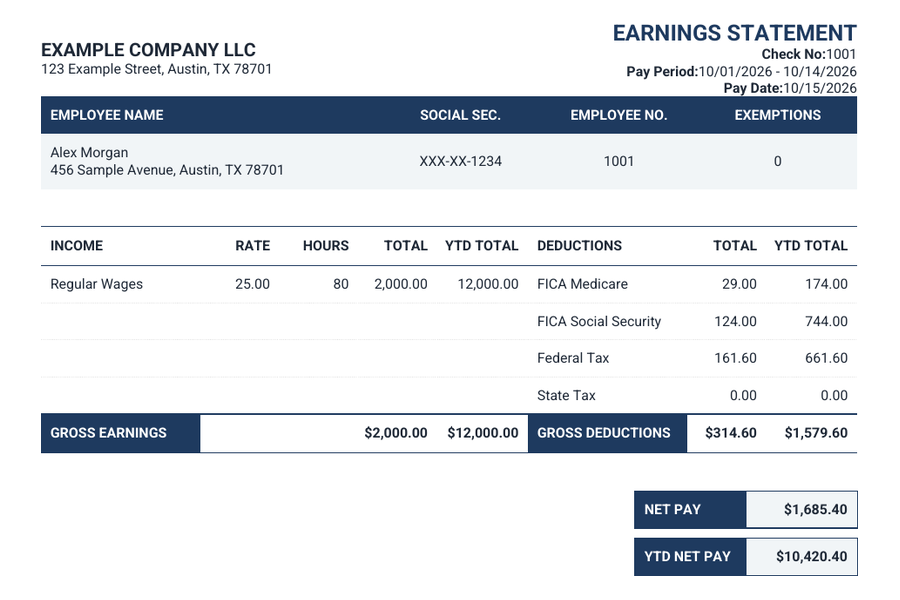
Detailed columns and clear totals.
Supports your company logo and employee address. Marital status is not displayed.
— / pay stub
Use Bank Style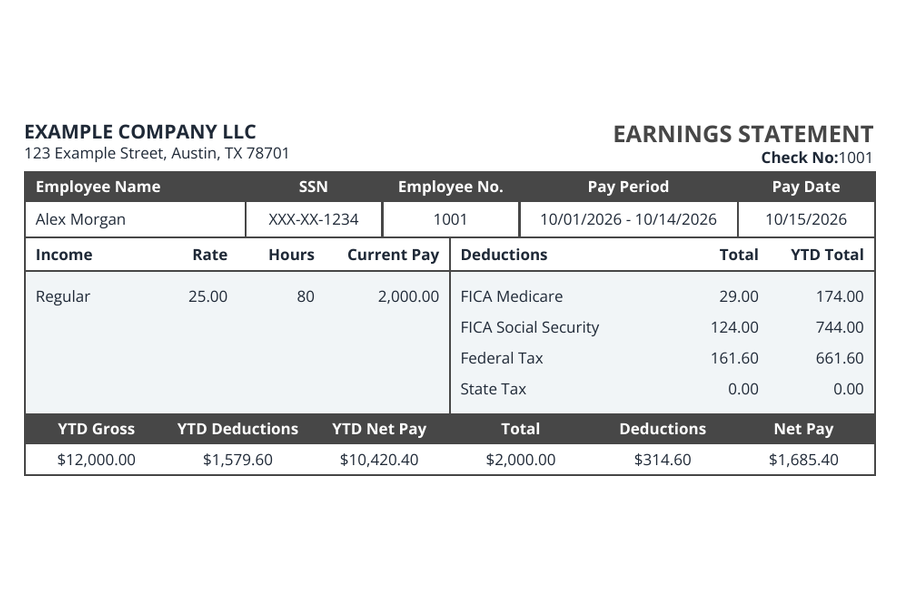
A straightforward, balanced layout.
Supports your company logo. Employee address and marital status are not displayed.
— / pay stub
Use Simple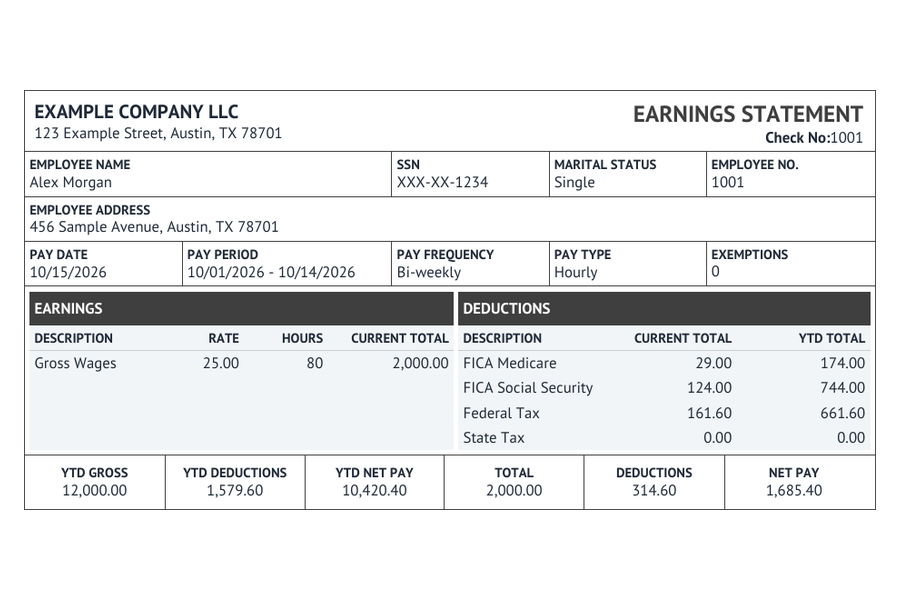
Traditional structure, complete details.
Supports your company logo, employee address and marital status.
— / pay stub
Use Classic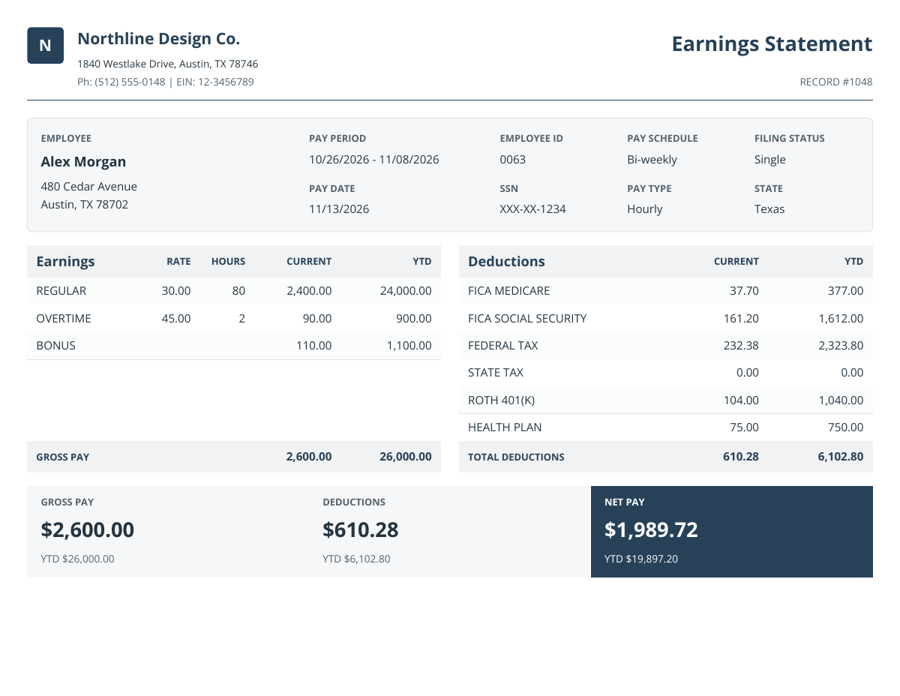
Compact. A precise landscape statement.
Company logo, employee address, filing status, font and color choices. Optional payment advice from $0.49 per stub.
— / pay stub
Use Axis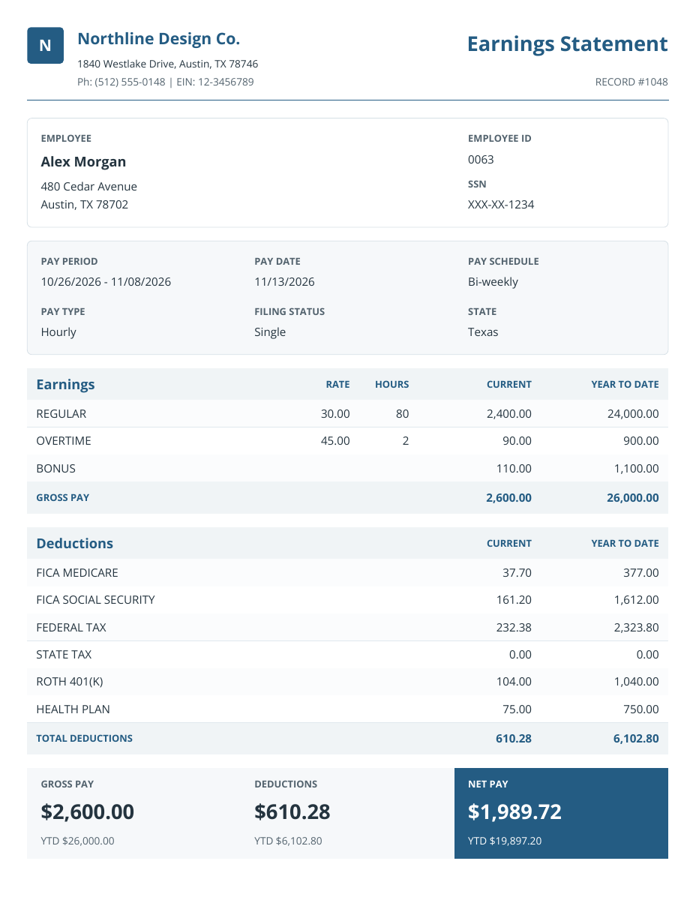
Medium. Clear details, generous portrait layout.
Company logo, employee address, filing status, font and color choices. Optional payment advice from $0.49 per stub.
— / pay stub
Use Meridian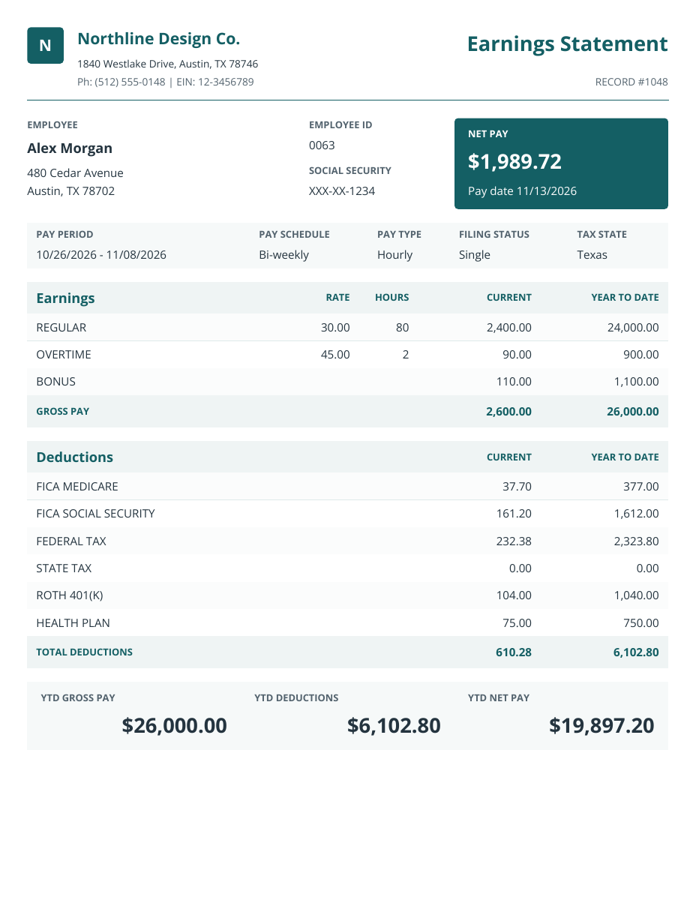
Detailed. A prominent net-pay summary.
Company logo, employee address, filing status, font and color choices. Optional payment advice from $0.49 per stub.
— / pay stub
Use ApexAll nine include earnings, deductions, pay dates and year-to-date totals.
| Template | Company logo, phone & EIN | Employee address | Marital status |
|---|---|---|---|
| Regular | No | Yes | Yes |
| Compact | Yes | No | No |
| Modern | Yes | Yes | No |
| Bank Style | Yes | Yes | No |
| Simple | Yes | No | No |
| Classic | Yes | Yes | Yes |
Optional details left blank stay blank. Your entries are kept when switching templates, even when a design does not display them. For a closer look at each layout, read the nine-template comparison guide.
Include a coordinated deposit slip for — per pay stub. Review it alongside your pay stub before checkout.
A deposit slip is an optional document add-on. It does not move funds or make a bank deposit.
Pay stubs: —
With three deposit slips: —
Before any eligible coupon. Checkout shows the final total for your selected template, stub count and add-ons.
Enter your details and review your preview before checkout.
Create your pay stub