PAYROLL
Pay Stub Maker
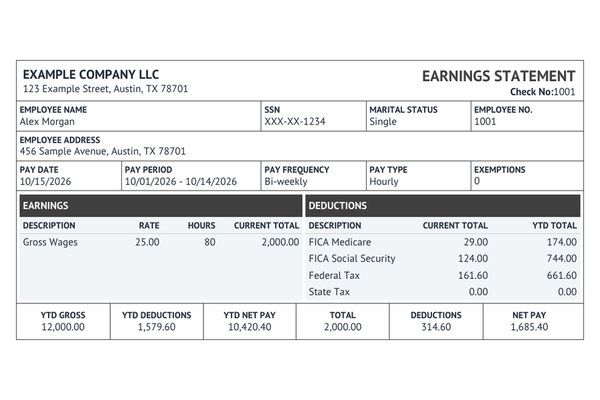
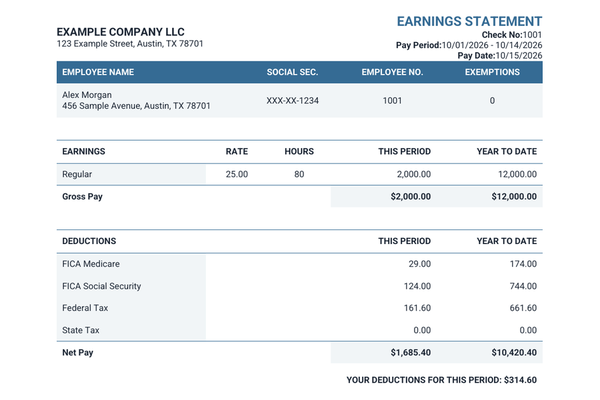
Work through the payroll details one step at a time and see how the amounts read across the available statement layouts.
Create a pay stub
Turn the figures from a pay period into a statement you can keep. Choose a builder, record earnings and deductions, and review the PDF at checkout.
Per pay stub · Preview free · No subscription
View templates & pricingLook up a tax form edition, draft a hire’s offer, prepare a client invoice or make an earnings statement from your payroll records.
Work through the payroll details one step at a time and see how the amounts read across the available statement layouts.
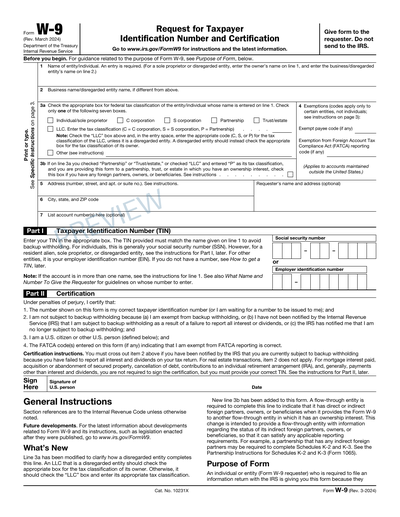
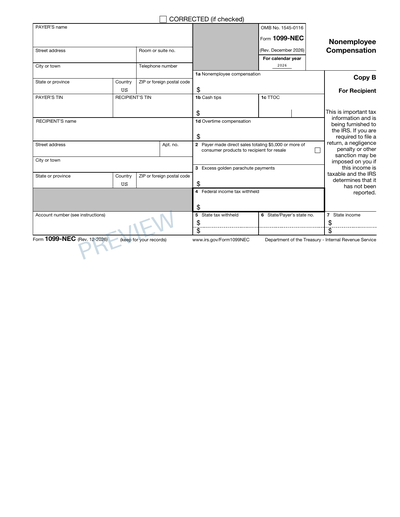
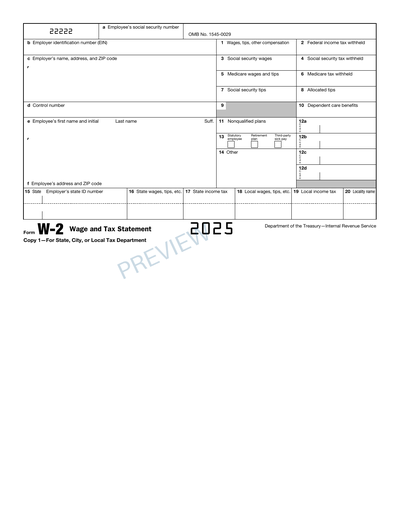
Create a pay stubFind a worksheet by form number or by its use in payroll, hiring or business records.
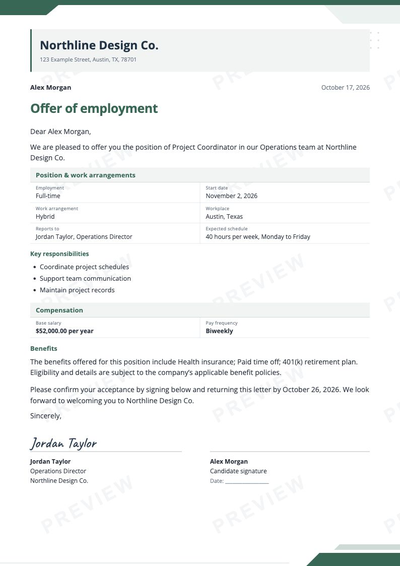
Browse the collectionPut the approved job title, start date and compensation in a letter for the candidate.
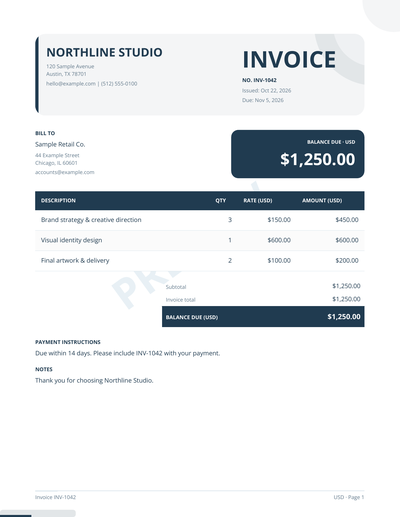
Create an offer letterTurn completed work into a bill with line items, due dates and your chosen design.
Explore invoicesExplore estimated payroll taxes for 2025 and 2026. Choose your state to see federal withholding, state taxes and employee deductions in one breakdown.
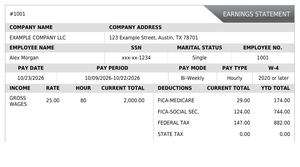
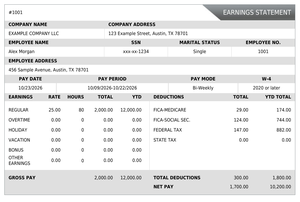
The Regular check stub maker covers a standard pay period. Use Enhanced when you want overtime, bonuses or other earnings to show separately.
Find an earlier orderHave the employer and worker information on hand, plus the pay date, period dates and any prior totals you need to carry forward.
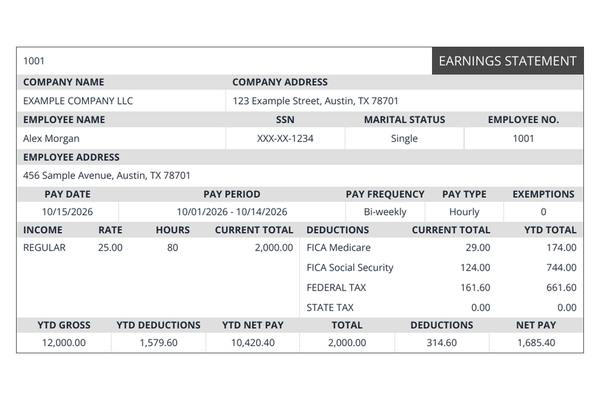
Review the selected layout and compare net pay, withholding and year-to-date values with the payroll records.
After checkout, download or print the document. Keep the private order link somewhere you can find it later.
Find the details that belong on a pay statement, wage statement or employment offer before opening a worksheet.
Explore the blogOpen the guided builder to enter the pay period and see the amount breakdown on your chosen template.